
This article explains how to add an Out of Office or Vacation reply in the webmail interface of a RoundCube webmail client on the Plesk Hosting service.
If you are unsure how to access webmail, please consult How to Access Plesk WebMail.
Steps
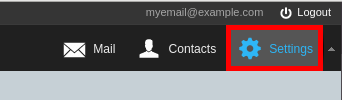
- While logged into the webmail interface, click on Settings in the top right

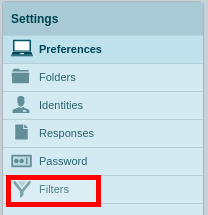
- Click Filters

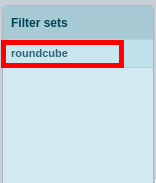
- Click roundcube

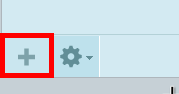
- Click the + button

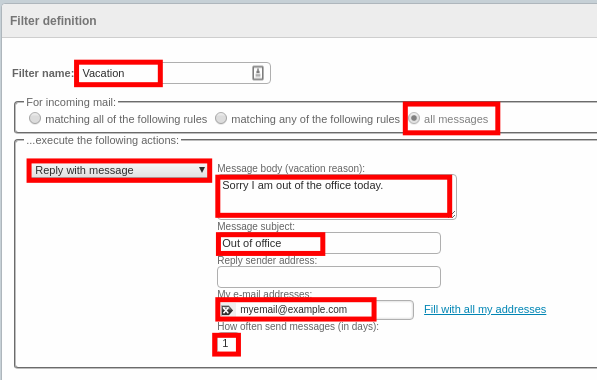
- Enter the filter name as Vacation, change the radio button for incoming mail to all messages, change the drop down to Reply with message, Add a Message body, Message subject, type in your email address and set the message interval in
- days

- Click the Save button


- To disable the OOO message, repeat steps 1-3 and click vacations, and then check the filter disabled box, then click Save